Today we're launching Gauge PR checks for GitHub. The Gauge GitHub App runs agent acceptance tests on every pull request, using your actual pre-release changes.
Why we built this
Developer tools are now used primarily by agents. A developer asks Claude Code or Codex to add auth, deploy an app, or call an API. The agent reads your docs, runs your CLI, and writes the integration. Often, the developer never opens your docs at all.
That changes what it means to ship a working change. For coding agents, subtle changes in your docs, Skills, or CLI can mean the difference between an onboarded user and a silent drop-off.
We already treat tests, type checks, and linting as table stakes for every pull request. Agent acceptance tests belong in the same list, and they should run in the same place.
How it works
- Define your tests in your repository.
gauge.jsondeclares what the agent gets from the PR, and each case ingauge-cases/is a Markdown file with a task and the criteria for success. - Open a PR. Gauge waits for your existing build or preview, gives the agent the PR's version of your product, and runs the cases. When the agent requests your normal docs URL or runs your CLI, it gets the PR's version.
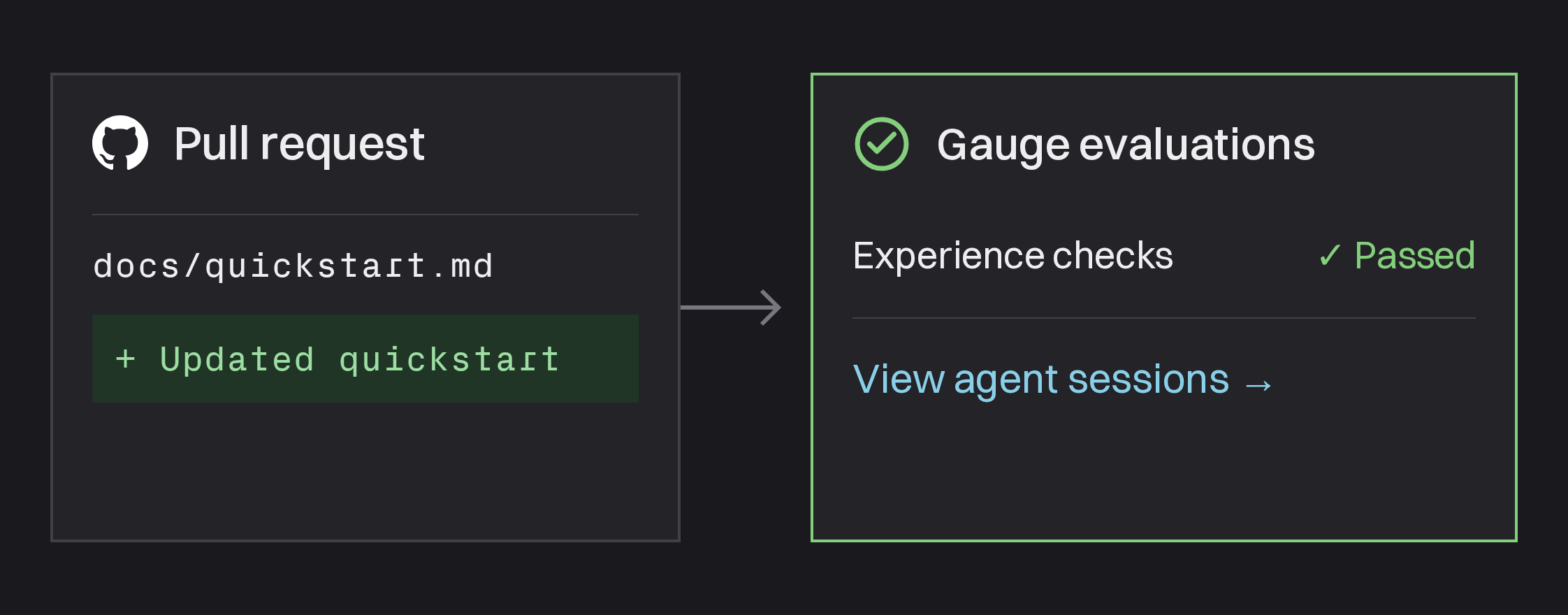
- Review the check. The Gauge evaluations check reports pass or fail, with links to every session and an explanation for each failed criterion.
What you can test
| Input | Where Gauge gets it |
|---|---|
| Skills | The PR's commit or a CI artifact |
| Docs | Your PR's preview deployment |
| npm packages and SDKs | The package your CI workflow builds |
| Native CLIs | The executable your CI workflow builds |
| Other files | The PR's commit or a CI artifact |
You can also add Agent Preference cases. Give the agent an open-ended task, like "add sign-in to this app," and the check reports which product it chose.
Get started
Install the GitHub App under Settings → GitHub in Gauge Agents. Then install the Gauge CLI and Skill, and ask your coding agent to set up PR checks for your repository:
npm install -g @withgauge/cli
gauge install-skill
For configuration options, see GitHub PR Checks. Not on GitHub? Run the same cases from your own CI.
This post is part of Gauge Launch Week.
Related Blogs
How Clerk 3x'd CLI signups with one error message change using Gauge (video)
Clerk's Devin Gould joins Ethan Finkel to discuss the SDK error message that helped agents discover Clerk's CLI, testing the change in Gauge, and the 3x increase in CLI adoption after launch.
 Ethan Finkel
Open-Sourcing the Gauge CLI
The Gauge CLI is now open source, with a free local backend for Gauge Agents. Run real coding agents against your product in Docker, find where they struggle, and test fixes. No Gauge account needed.
 Evan Doyle
Skills and Schedules in Ask Gauge
Teach Ask Gauge your team's playbooks with Skills, then run them on a schedule. Gauge does recurring AEO work for you and reports back in Slack or email.
Ethan Finkel