

Today we're shipping Agent Memory for Ask Gauge.
Ask Gauge can now retain context about your company, your competitors, your content strategy, and your writing style across every session. It reads that context automatically on every interaction, so the agent doesn't start from scratch each time you open it.

Memory lives as four files inside your workspace, each one editable and each one read by the agent on every call:
• Company Context: your product, pricing, positioning, ICP, brand voice, and key differentiators
• Competitor Intelligence: strengths, weaknesses, and positioning for the competitors you care about
• Content Strategy: your editorial process, content calendar priorities, and strategic focus areas
• Content Style Guide: writing rules, banned patterns, citation format, and brand positioning nuances
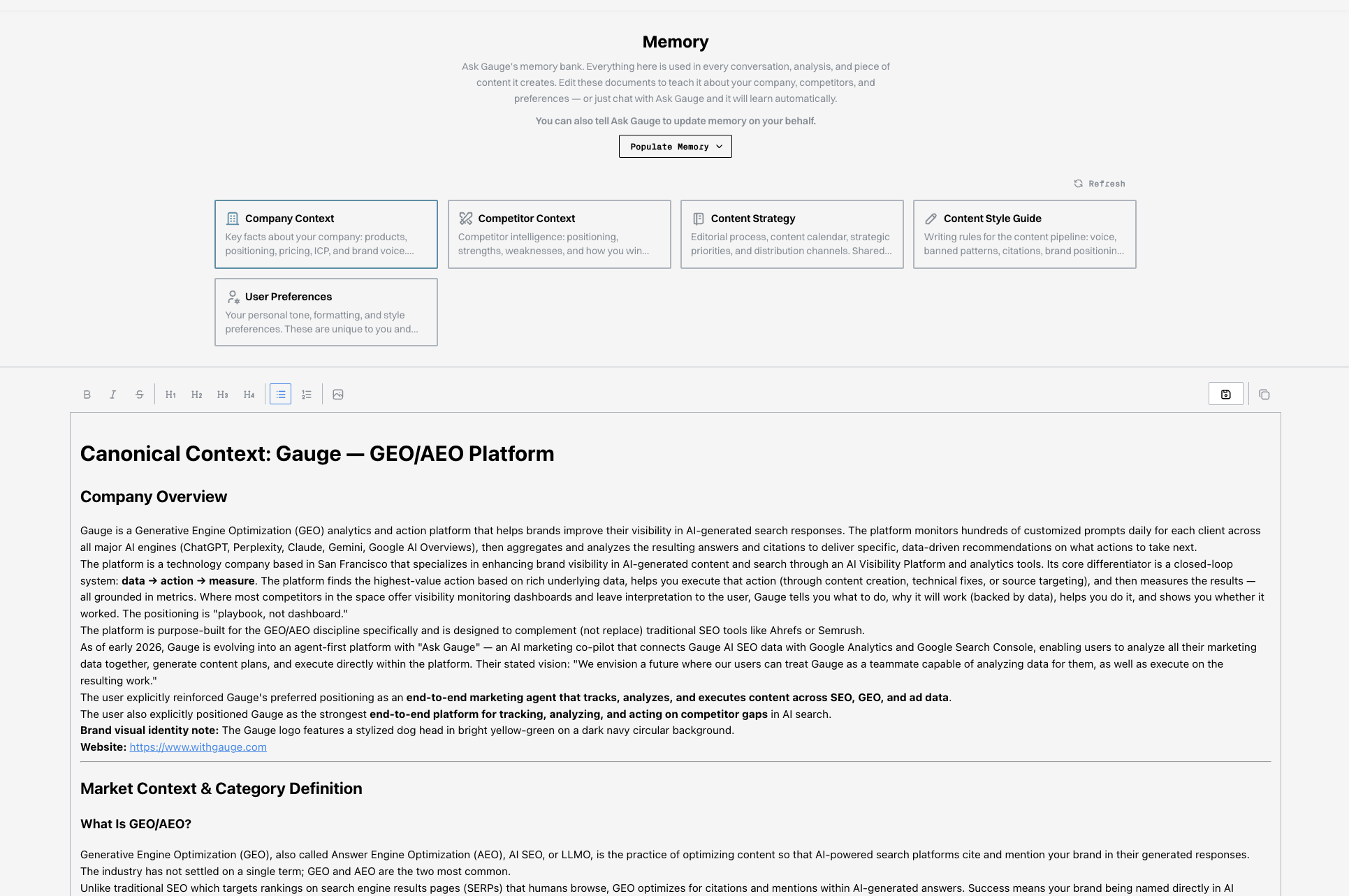
How it gets written:
Memory updates automatically. A background process analyzes your conversations with Ask Gauge and writes new context into the relevant file as you work. You don't manage it by hand. If you want to override or correct something, tell the agent and it edits the file. You can also ask it to remember a specific fact directly, and it will save it.
How it shows up in the product:
Ask Gauge already runs the full GEO workflow: tracking visibility across ChatGPT, Perplexity, Gemini, Google AI Overviews, Google AI Mode, and Copilot, pulling GA4, GSC, and DataForSEO data into the same surface, and producing analysis, briefs, and content. Memory layers underneath all of that. Briefs reflect your actual positioning. Competitive analysis is framed against your specific rivals. Drafted content matches your style guide. Recommendations account for what's already on your content calendar. For more on how the agent itself works, see Ask Gauge: The Agentic Marketer.
Ask Gauge is also reachable outside the app now that the Gauge MCP is live, so the same memory-backed context follows you into Claude, ChatGPT, or Cursor.
Live now for every Gauge user. Open Ask Gauge to start using it.
Related Blogs
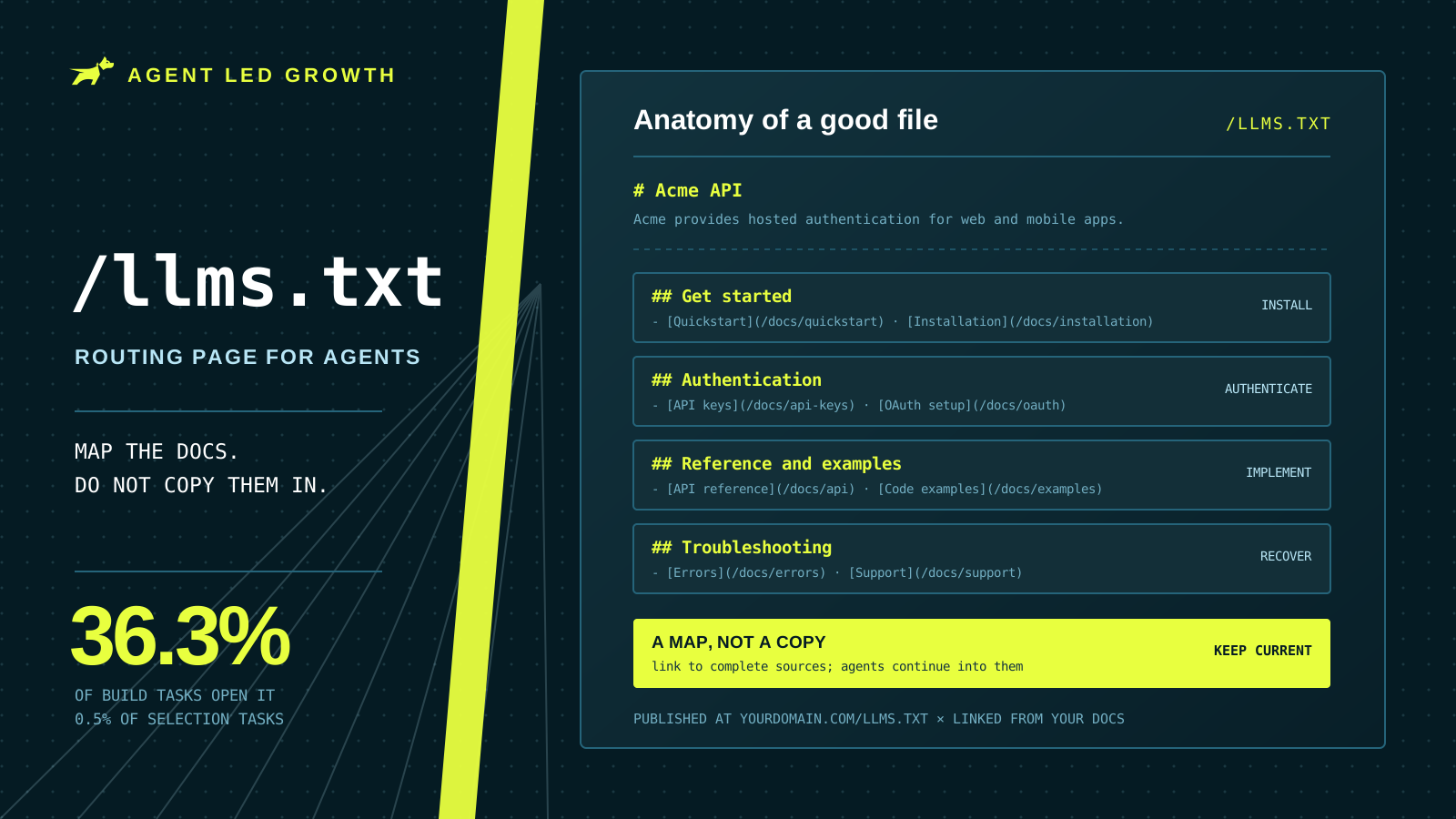
How to Write a Good llms.txt File (2026)
An llms.txt file is a routing page for coding agents, not a copy of your documentation. Where to put it, how to group the links, and what to check before you ship it.
 Farbod Memarian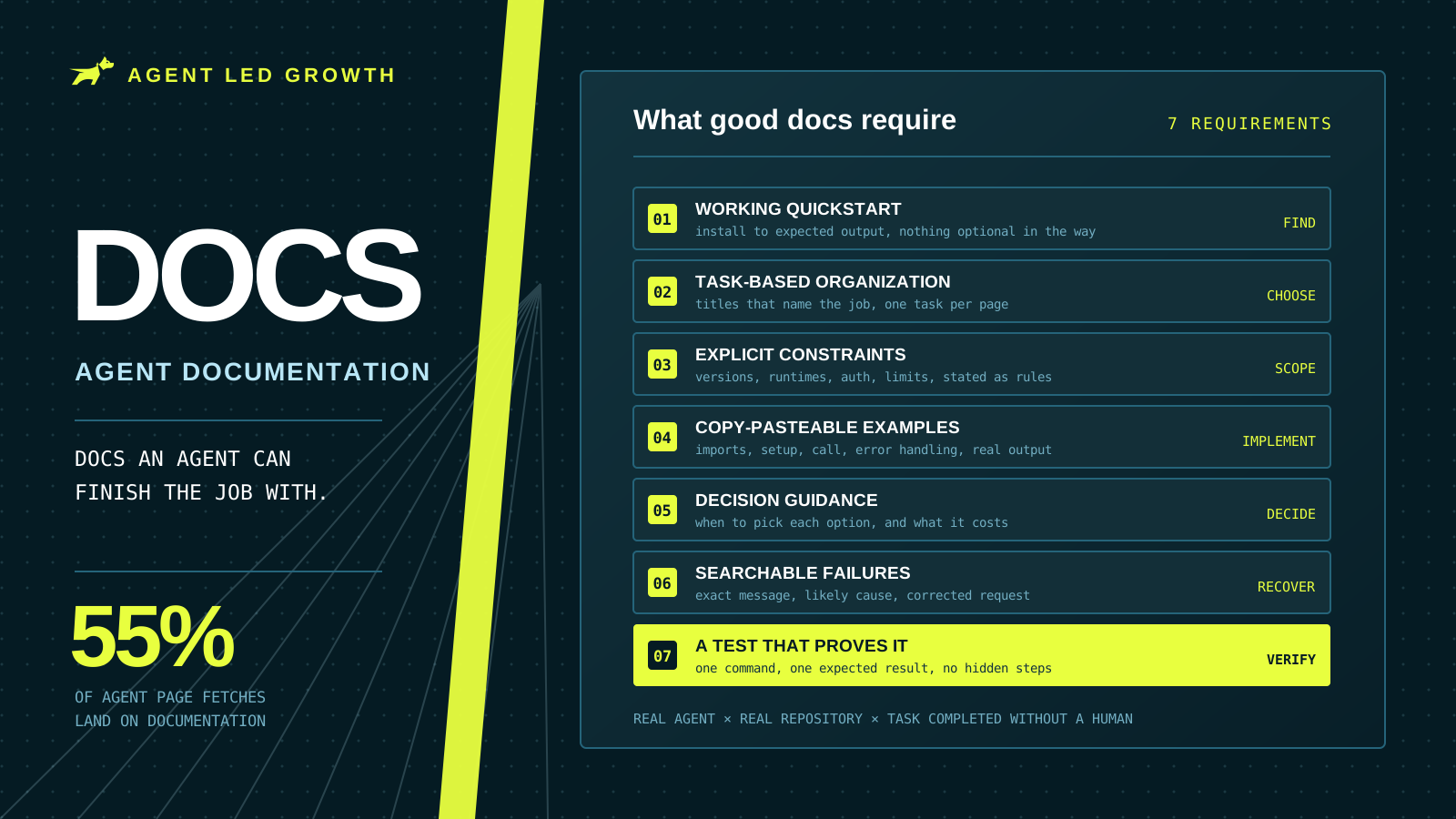
What Makes Good Agent Documentation? Complete Guide (2026)
Documentation took 55% of page fetches across 500 tracked coding-agent runs. Seven requirements for docs an agent can finish a real task with, plus a method for testing them the way an agent would use them.
Farbod Memarian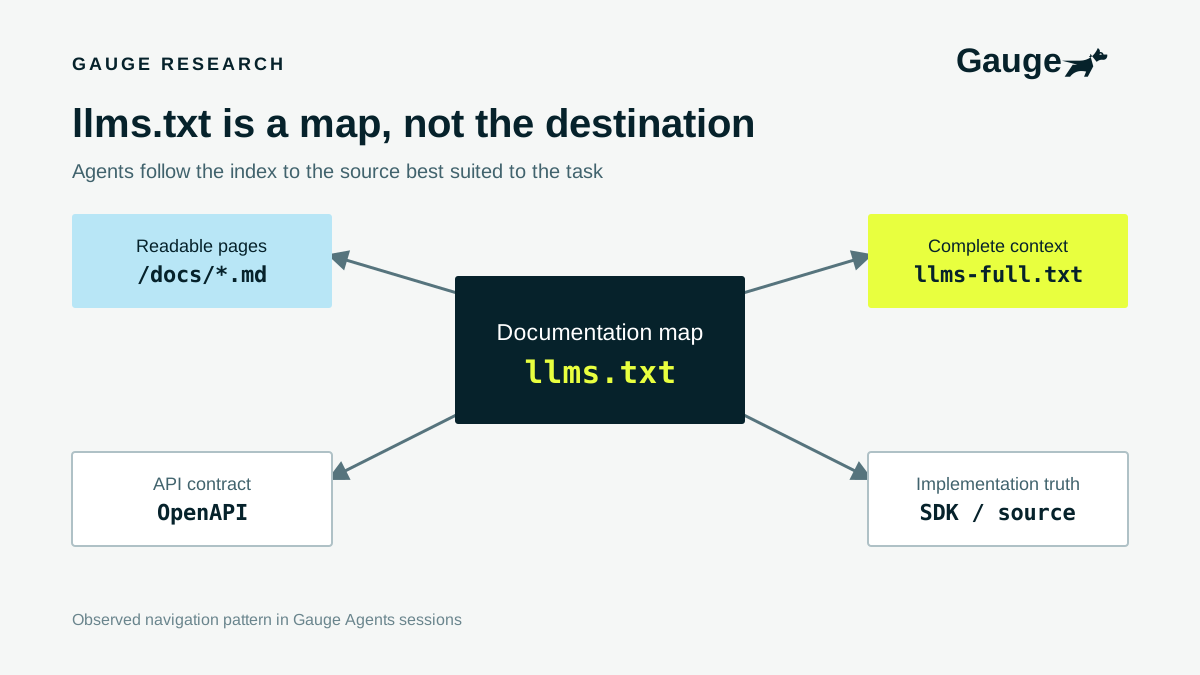
Should you have an llms.txt?
Absolutely yes. Coding agents use llms.txt to understand your product and navigate your documentation, and our research shows how often they read it.
 Ethan Finkel