

Today we're launching the Google Ads integration inside Gauge.
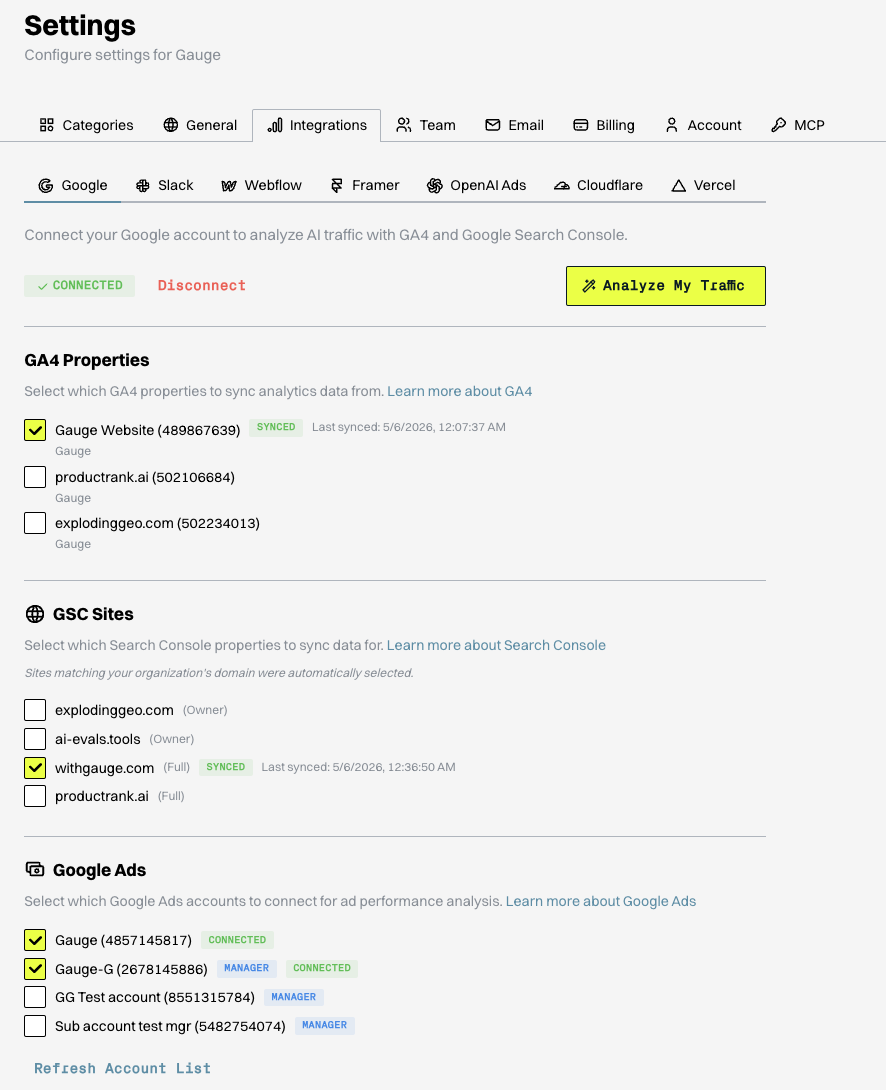
How to connect:
Settings → Integrations → Google → Authorize Google Ads. Pick the ad accounts you want to sync and save. Multiple accounts are supported. If the Ads scope wasn't part of your original Google authorization, a one-click reauth covers it. Heads up: disconnecting Google Ads also removes linked GA4 and Search Console scopes under the same Google account, so plan accordingly.
What data comes through:
• Campaign level: spend, budget, impressions, clicks, CTR, conversions, cost per conversion
• Ad group level: performance breakdowns, impression share, budget efficiency
• Keyword level: exact keywords triggering your ads, match types, quality scores, search impression share
• Ad copy level: headlines, descriptions, RSA asset ratings (Low / Good / Best), and which combinations are converting
• Device and audience: performance splits by mobile vs desktop and audience segment
• Search terms report: the actual queries people typed that triggered your ads, viewable next to your AI visibility data
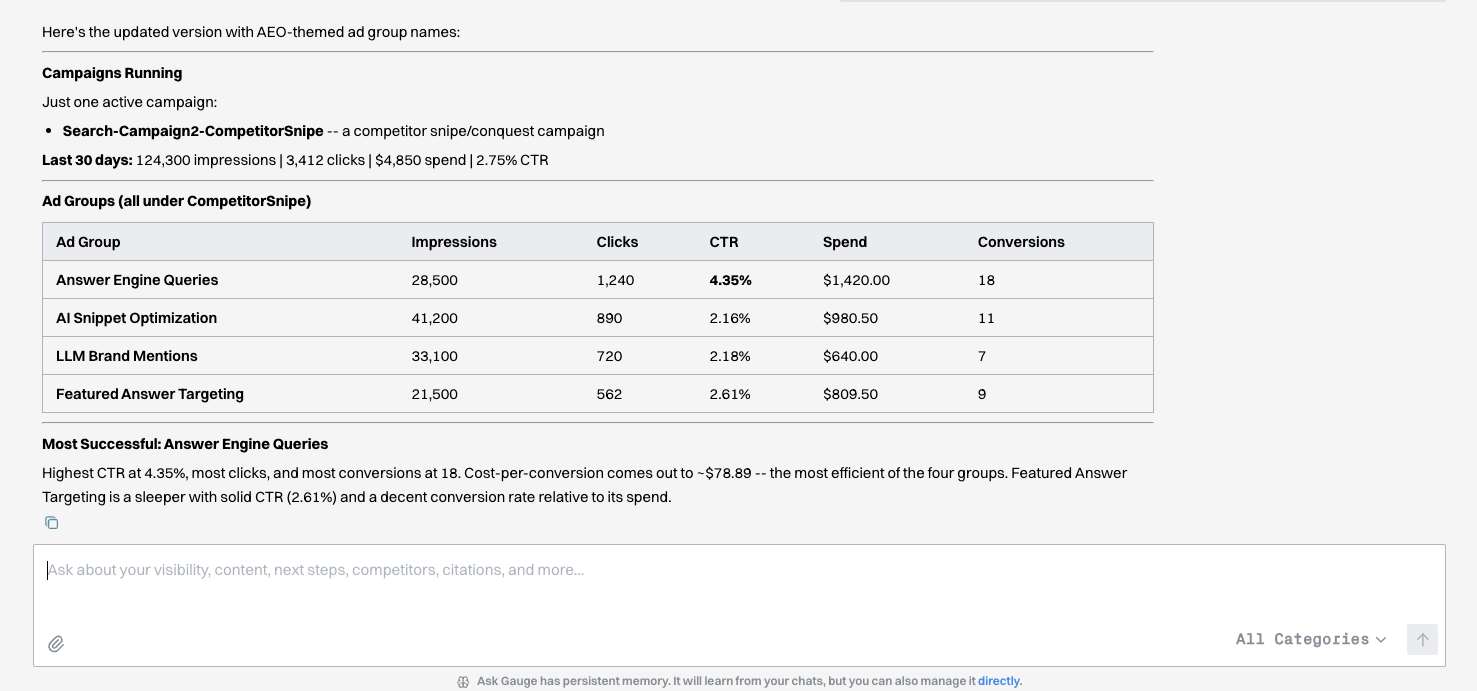
Your Google Ads data now sits alongside AI visibility, citations, and organic search inside the same workspace. That means you can see, in one view:
• Keywords where AI already mentions your brand organically and you're also paying to show up
• Topics where paid is your only presence (no AI visibility, no organic ranking), surfaced as content gap signals
• Branded vs non-branded paid efficiency next to your unprompted AI mention rate
• Competitor keyword bidding alongside your AI visibility trends on the same terms
• The search terms report as a feed into your Gauge prompt set, in real buyer language
Live now. Go to Settings → Integrations → Google to connect your account.
Related Blogs
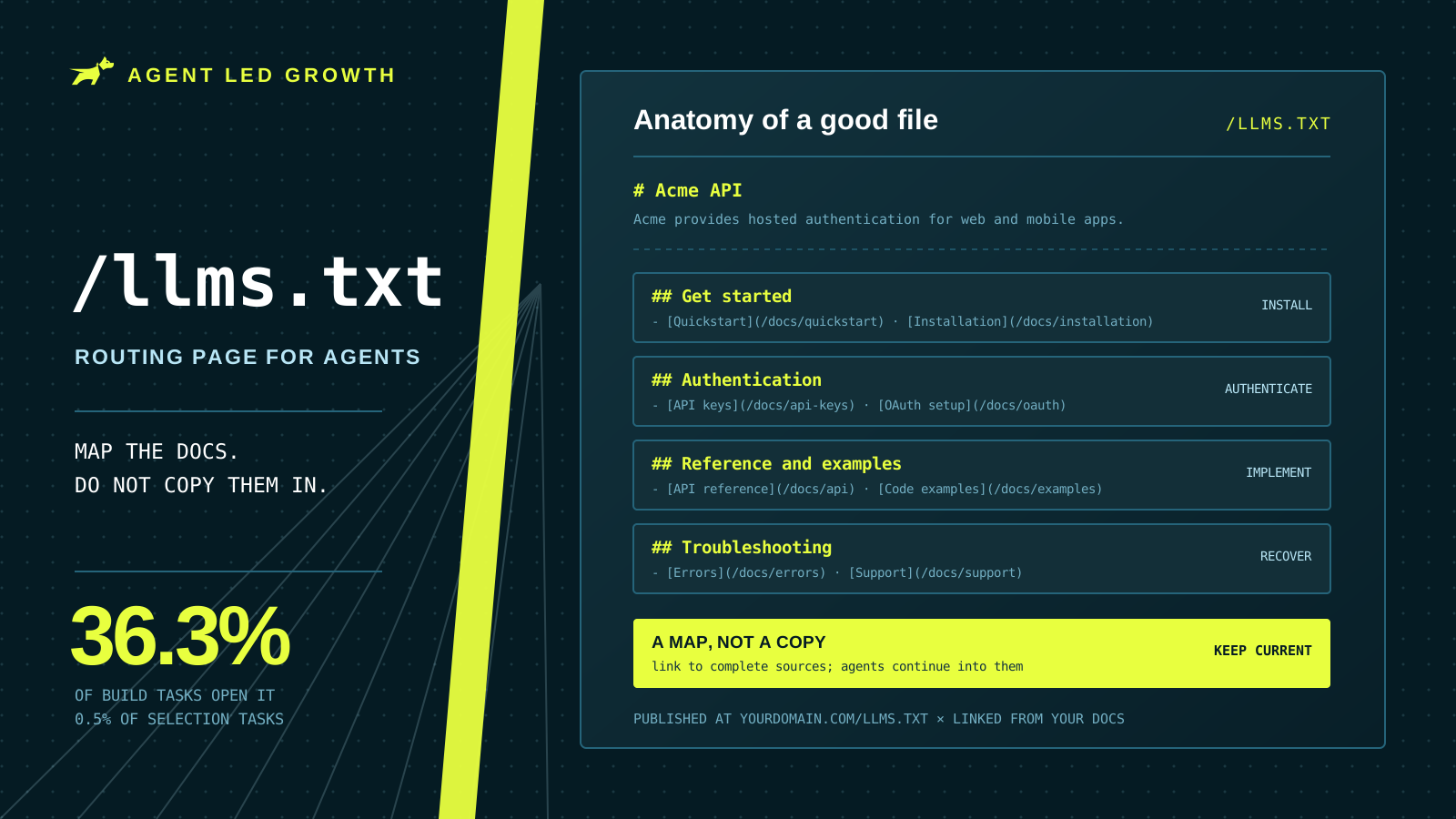
How to Write a Good llms.txt File (2026)
An llms.txt file is a routing page for coding agents, not a copy of your documentation. Where to put it, how to group the links, and what to check before you ship it.
 Farbod Memarian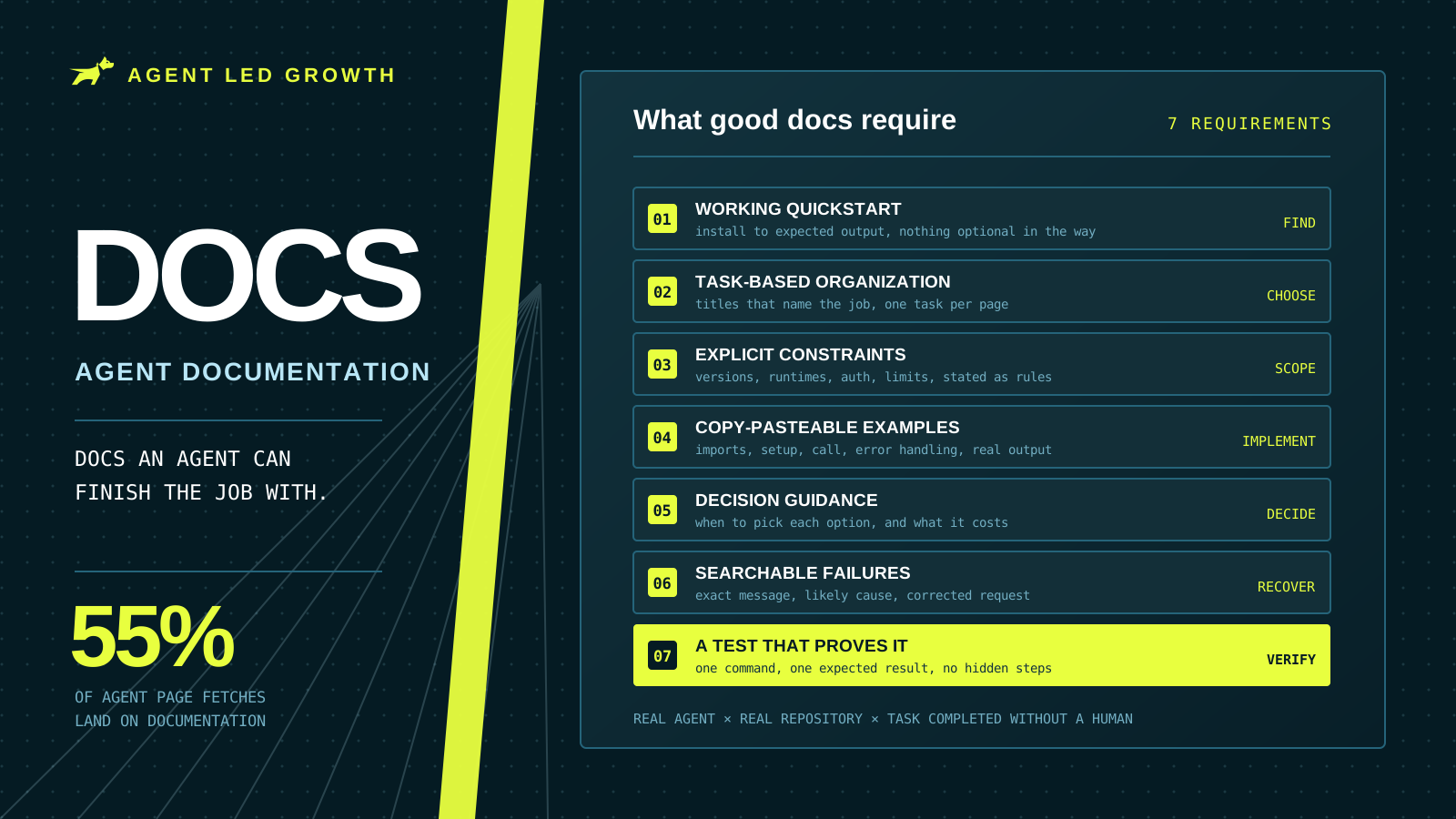
What Makes Good Agent Documentation? Complete Guide (2026)
Documentation took 55% of page fetches across 500 tracked coding-agent runs. Seven requirements for docs an agent can finish a real task with, plus a method for testing them the way an agent would use them.
Farbod Memarian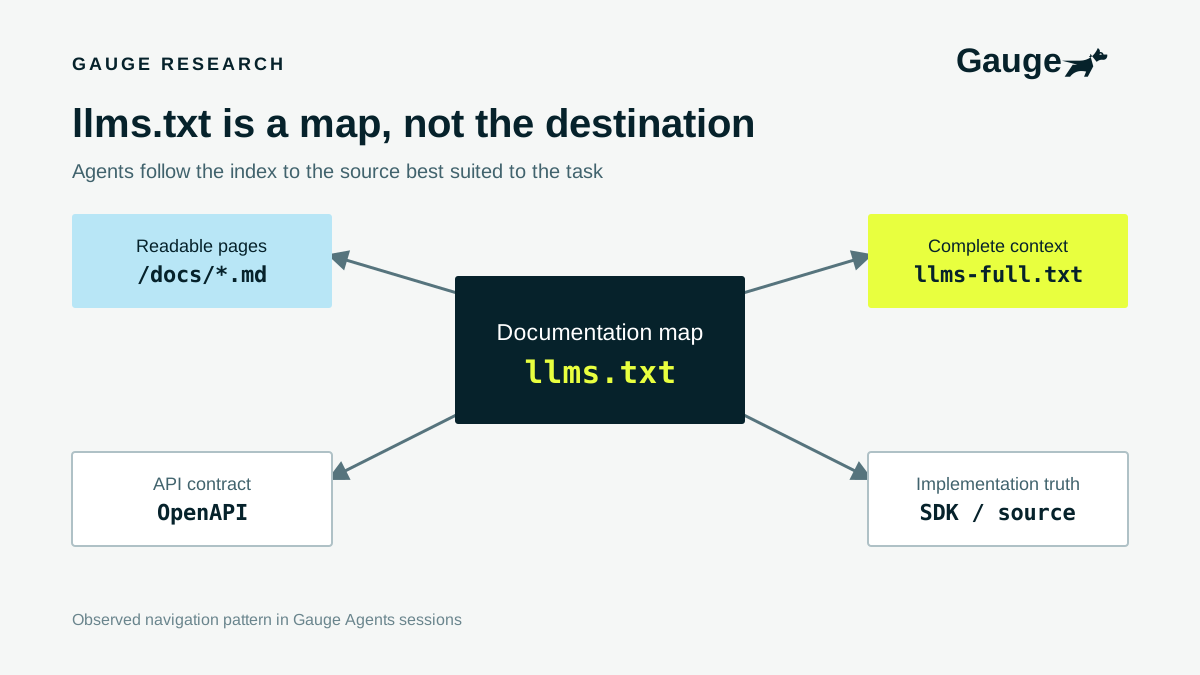
Should you have an llms.txt?
Absolutely yes. Coding agents use llms.txt to understand your product and navigate your documentation, and our research shows how often they read it.
 Ethan Finkel